Trade Crypto on Your Terms
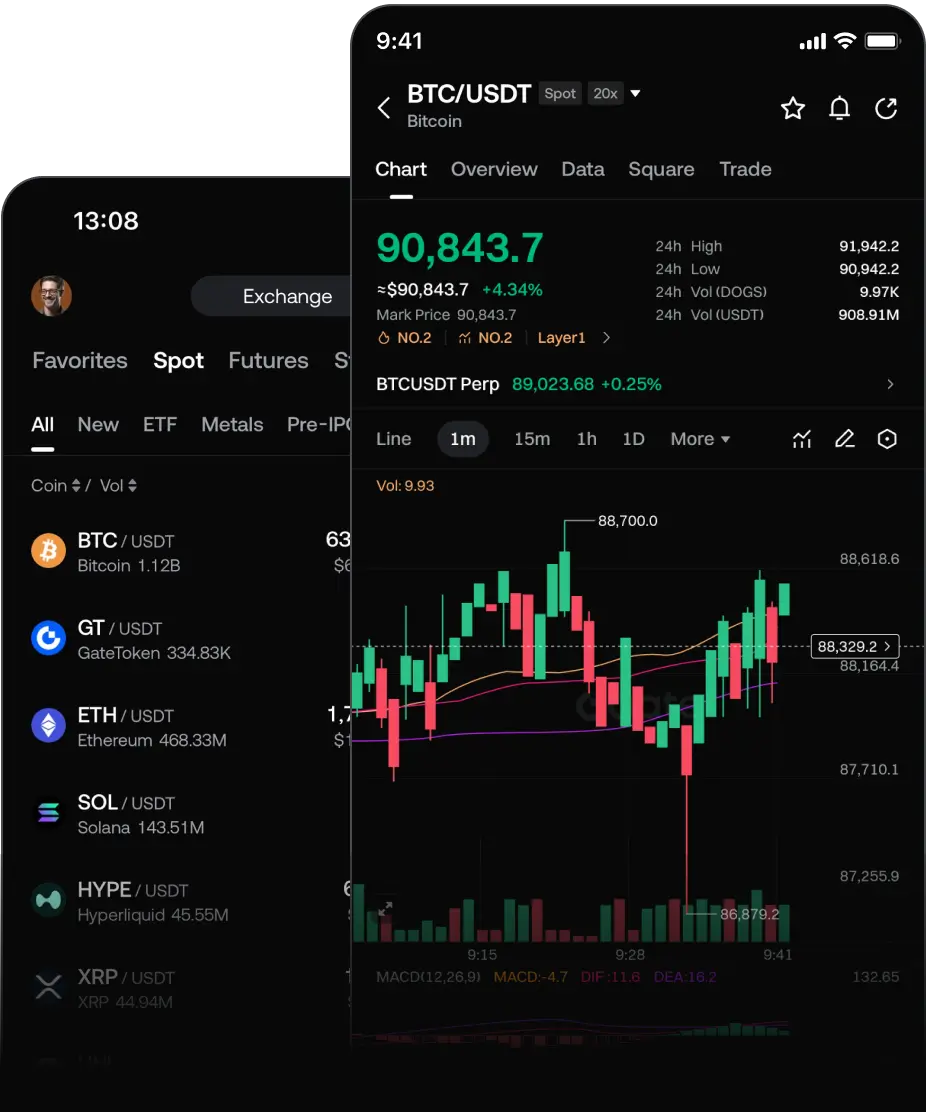
Spot and futures trading with advanced tools, low slippage, and real-time portfolio insights

 Alter support

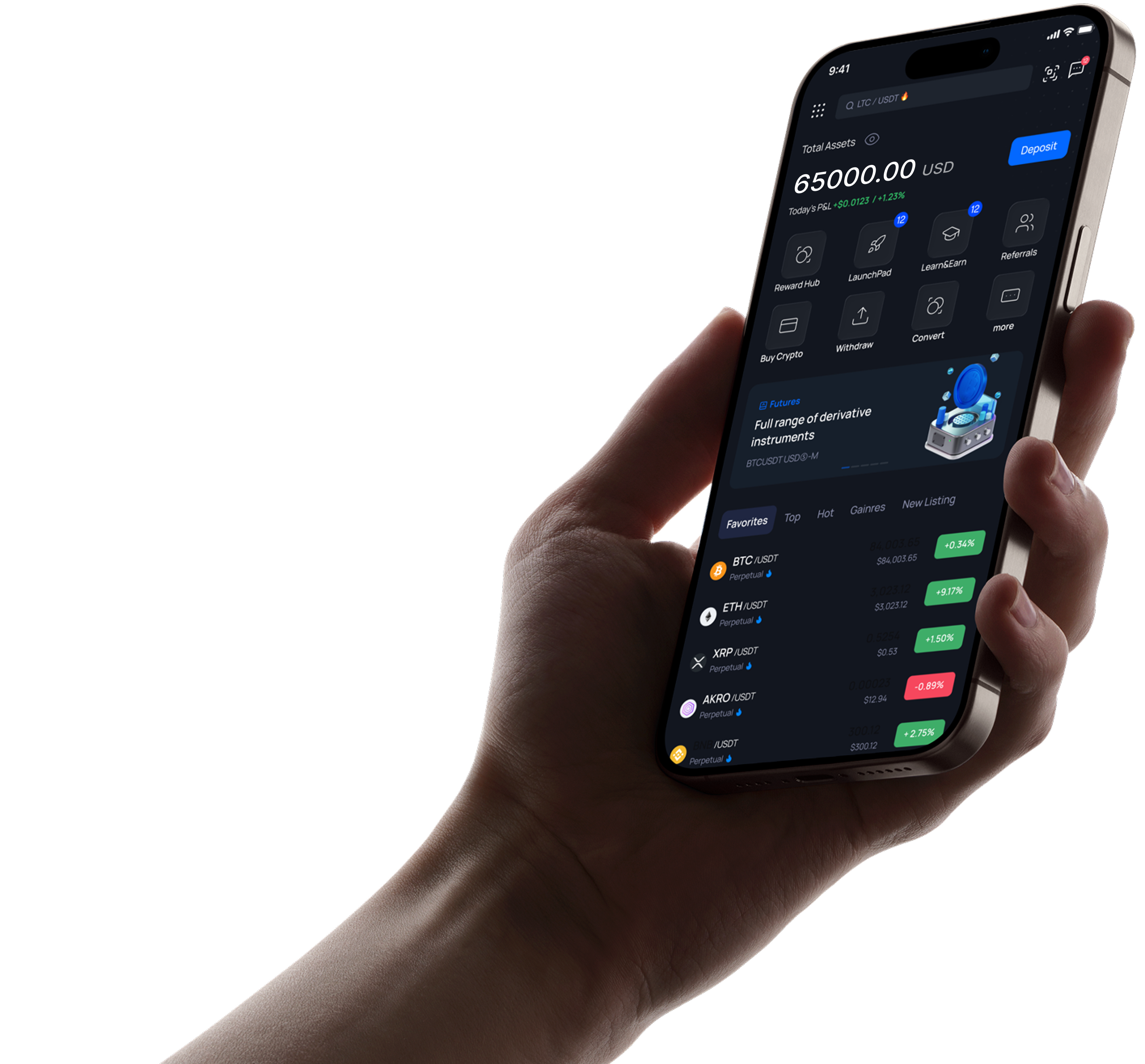
Trade 200+ cryptocurrencies in real time.
 BTC /USDT
₮75772.88
-0.12%
Trade
BTC /USDT
₮75772.88
-0.12%
Trade
 ETH /USDT
₮2237.03
+0.25%
Trade
ETH /USDT
₮2237.03
+0.25%
Trade
 BNB /USDT
₮694.11
-0.25%
Trade
BNB /USDT
₮694.11
-0.25%
Trade
 SOL /USDT
₮89.54
-1.25%
Trade
SOL /USDT
₮89.54
-1.25%
Trade
 XRP /USDT
₮1.1581
-2.65%
Trade
XRP /USDT
₮1.1581
-2.65%
Trade
 DOGE /USDT
₮0.07156
-2.07%
Trade
DOGE /USDT
₮0.07156
-2.07%
Trade
Trade 200+ cryptocurrencies in real time.
Spot and futures trading with advanced tools, low slippage, and real-time portfolio insights
Keep your crypto safe while enjoying regular rewards with flexible terms and APR.
Explore MoreBoost your crypto knowledge and earn rewards by completing educational challenges.
Explore MoreGet early access to new projects and exclusive token sales directly on the platform.
Explore More
Instant purchases via cards or bank transfers — choose the method that fits you best.


Two-Factor Authentication adds a second layer of protection to your account. Besides your password, you confirm each login with a one-time code generated by an authenticator app on your phone. Even if someone gets hold of your password, they won't be able to access your funds without this code.
If you saved your backup key during setup, simply re-add it to your authenticator app to restore code generation. If the backup key is lost as well, contact our support team from your registered email address — after a short identity verification we will reset 2FA on your account so you can set it up again.
Go to Security settings in your account, choose Google Authenticator and scan the QR code with the app. Save the backup key in a safe place, then enter the 6-digit code from the app to confirm. From that moment every login and withdrawal will require a fresh code.
You can reset your PIN from the login screen: tap "Forgot PIN", confirm your identity via email and 2FA, and set a new one. If you don't have access to your email or authenticator anymore, reach out to support and we'll guide you through account recovery step by step.
Open the app, go to Profile → Verification and follow the instructions: choose your country, fill in your personal details, take photos of your ID document and pass a quick liveness check with the front camera. Verification usually takes from a few minutes up to 24 hours — we'll notify you as soon as it's approved.
The flow on iOS is the same as on Android: open Profile → Verification, enter your details, scan your document and complete the selfie check. Make sure the photos are sharp, all four corners of the document are visible and there is no glare — this is the most common reason for re-submission.
Log in on the website, open Account → Verification and complete the same steps: personal details, document upload and a webcam liveness check. If your computer has no camera, you can start verification on the web and finish it from your phone by scanning the QR code we show you.
As a regulated platform we may occasionally ask for additional documents — for example, proof of address or source of funds. Such requests are a standard part of AML compliance and help us keep the platform safe. Please respond within the stated timeframe to avoid temporary limits on your account.
Go to Security settings, select the active 2FA method and click Disable — you'll need to confirm the action with a current code. Keep in mind that for your safety withdrawals may be temporarily restricted for 24 hours after 2FA is turned off. We strongly recommend keeping 2FA enabled at all times.
We accept a valid passport, national ID card or driver's license. The document must be original (not a copy or a photo of a screen), not expired, and issued in your name. For some regions a proof of address — such as a utility bill or bank statement issued within the last 3 months — may also be requested.